
Video Playback
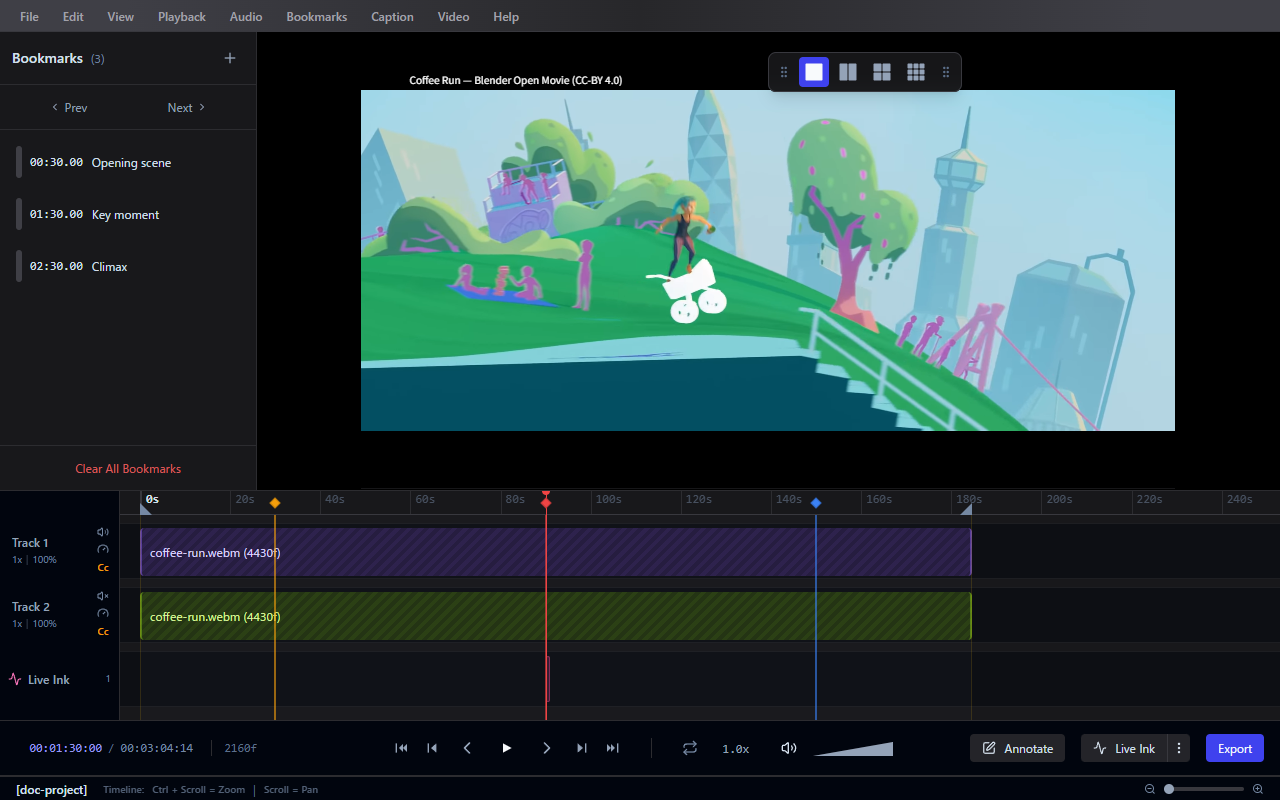
Frameglyph supports importing and reviewing videos with frame-level precision.
Importing Videos
- Drag and drop a video file onto the application window.
- Or use File > Import Video... from the menu bar.
Supported formats: MP4, WebM, and other formats supported by the browser's video engine.
Playback Controls
| Action | Description |
|---|---|
| Play / Pause | Start or stop playback |
| Step Forward | Advance one frame |
| Step Backward | Go back one frame |
| Jump to Start | Go to the first frame |
| Jump to End | Go to the last frame |
| Speed Up (x) | Increase playback speed |
| Slow Down | Decrease playback speed |
| Audio Scrub | Play short snippets of audio while stepping through frames |
(You can configure Frame Count Origin to be 0-based or 1-based in Preferences > System.)
View Settings
The following options are available under the View menu to customize your workspace:
- Always on Top: Keeps the Frameglyph window above all other applications.
- Opacity: Adjust the window transparency so you can see reference material underneath.
Saving Frames
To capture a still image from the current video:
- Use Video > Save Current Frame... to save a snapshot to disk.
- Use Video > Copy Frame to Clipboard to quickly paste the current frame into another application.
Loop Playback
- Click Set Loop In at the desired start frame (or use shortcut).
- Click Set Loop Out at the desired end frame.
- Use Toggle Loop Playback to repeat the selected range.
(Alternatively, use Range Start at Playhead and Range End at Playhead shortcuts for fast selection.)
Multi-Video Layout
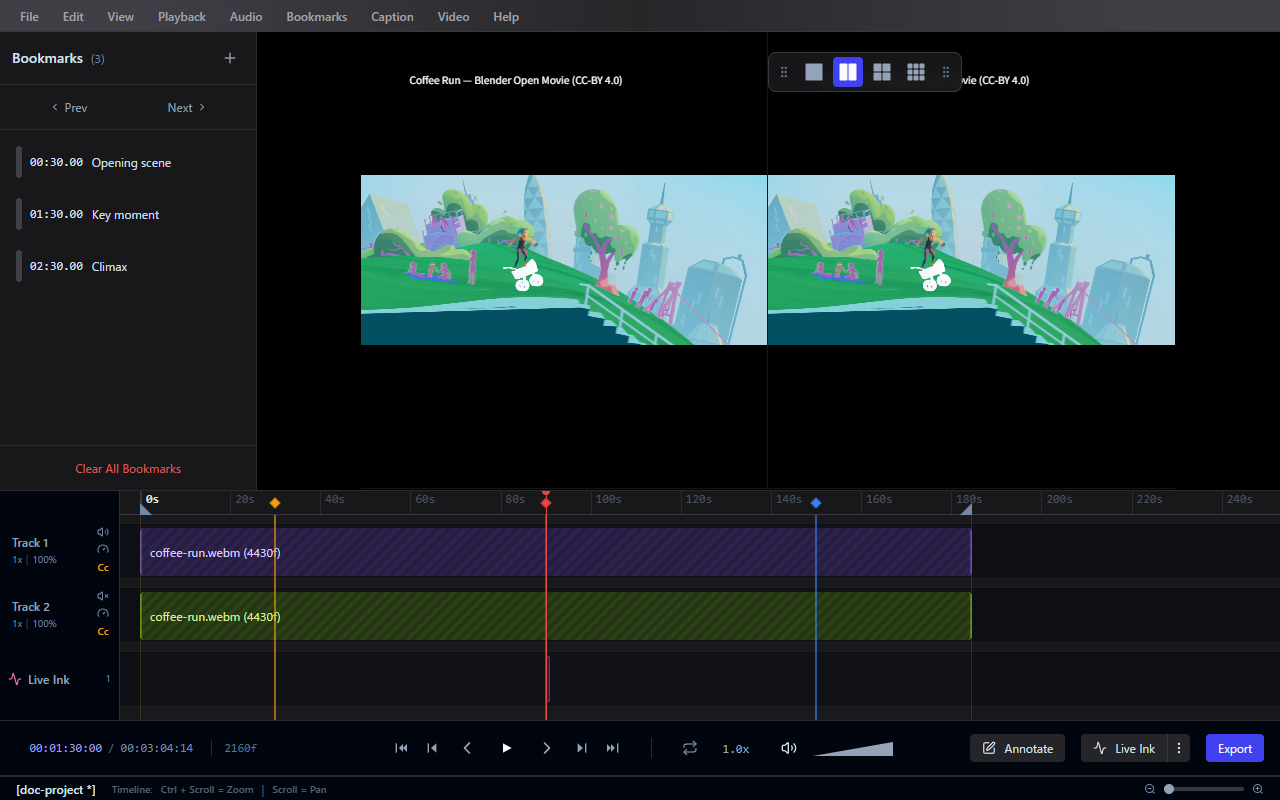
Frameglyph supports viewing multiple videos simultaneously for side-by-side comparison. Use the floating Layout Panel to switch between layouts.
| Layout | Videos | Description |
|---|---|---|
| 1x1 | 1 | Single video (default) |
| 2x1 | 2 | Two videos side by side |
| 1x2 | 2 | Two videos stacked vertically |
| 2x2 | 4 | Four videos in a 2x2 grid |
- Enable the panel from View > Layout Panel.
- Drag and drop videos into each slot, or click the empty area to import.
- The layout switches automatically based on the number of loaded videos.
See Keyboard Shortcuts for the full list of playback controls.