FrameglyphPrecision Video Review & Annotation
Frame-accurate playback, expressive Live Ink annotations, and seamless export. Elevate your review workflow in one powerful workspace.
Frame-accurate playback, expressive Live Ink annotations, and seamless export. Elevate your review workflow in one powerful workspace.
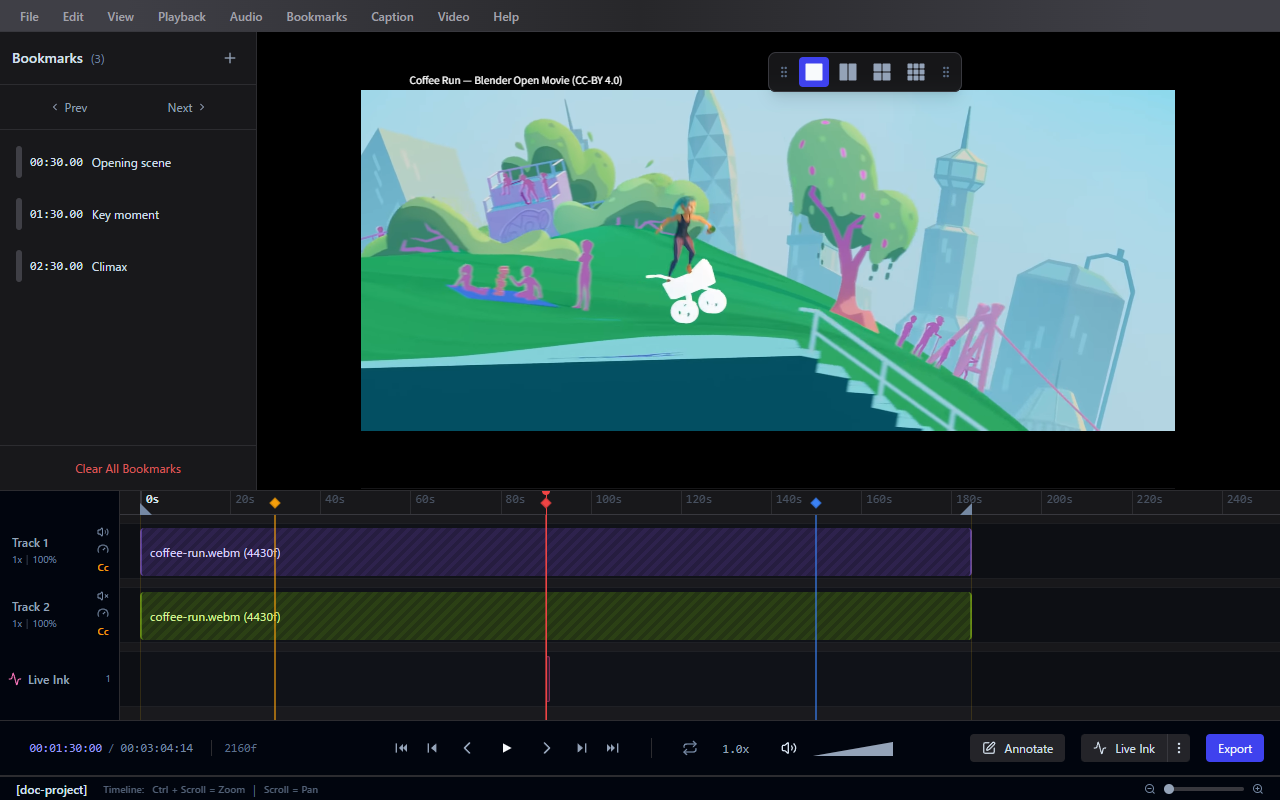
Navigate your media with absolute control. Variable speed playback and customizable loop ranges allow you to scrutinize every single frame at your own pace.
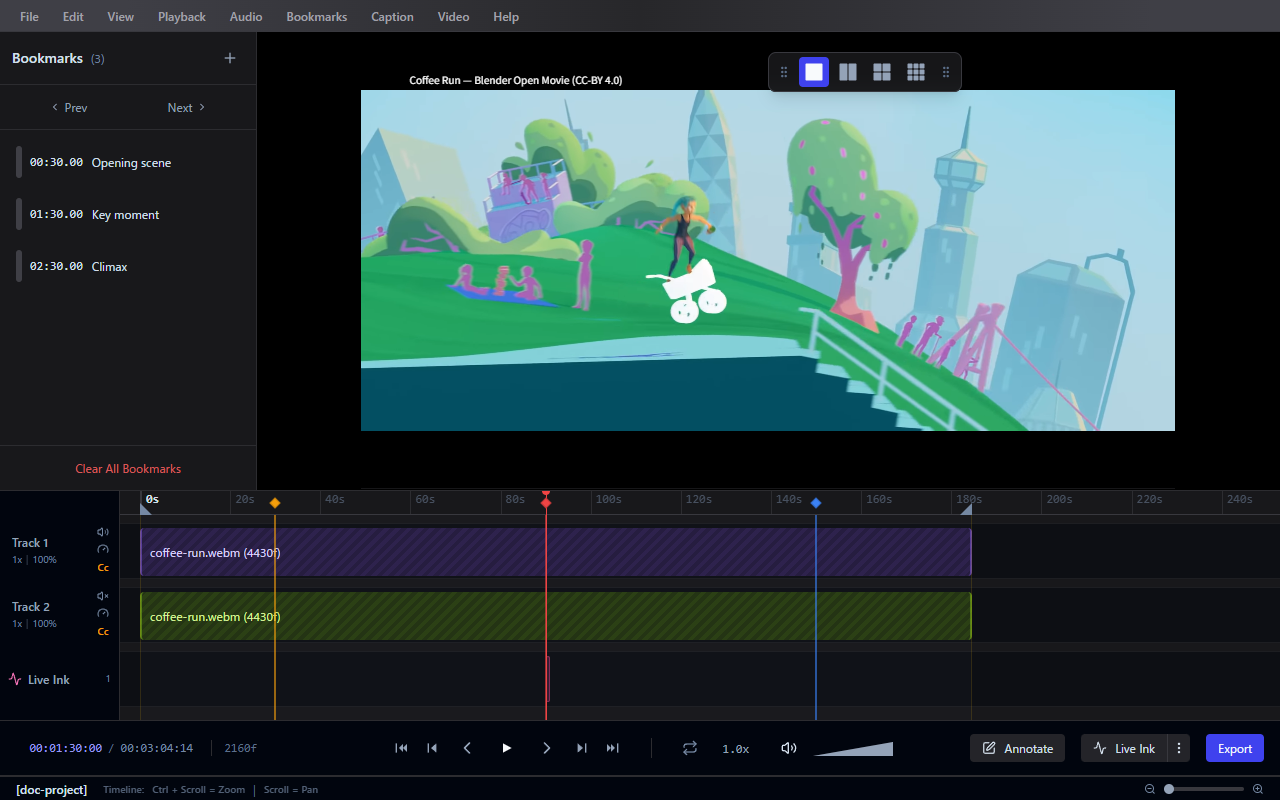
Communicate feedback instantly. Draw freehand with Live Ink, add shapes, or place text overlays directly onto video frames to highlight exactly what matters.
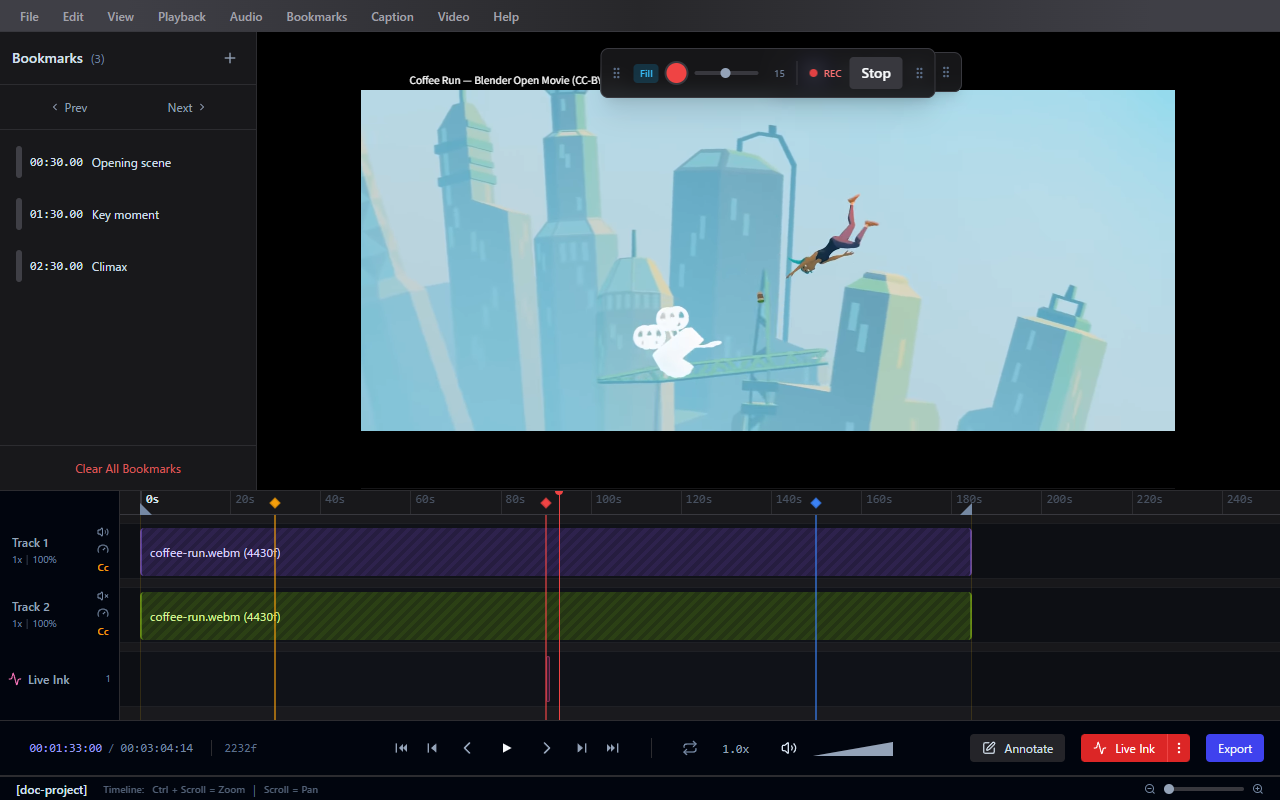
Keep your review sessions perfectly organized. Drop bookmarks at key moments, define precise loop regions, and manage your keyframes intuitively along an interactive timeline.
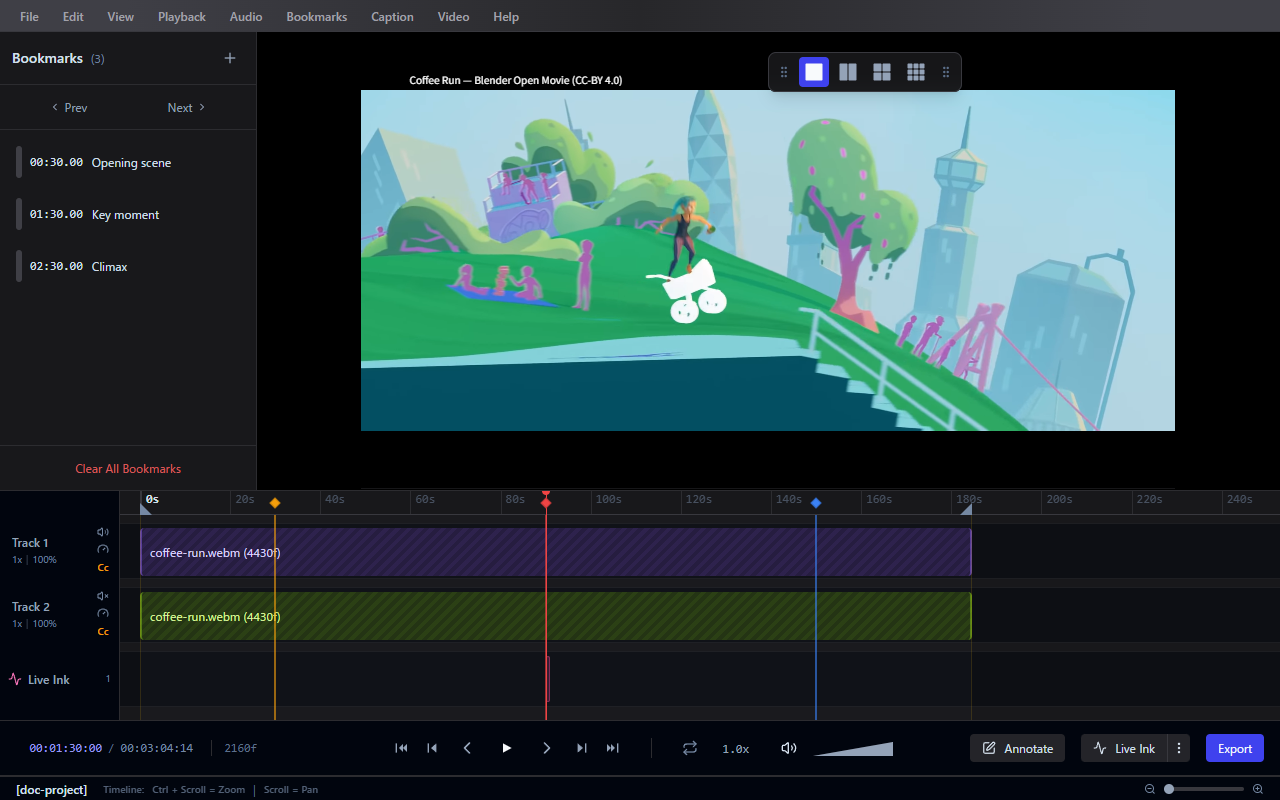
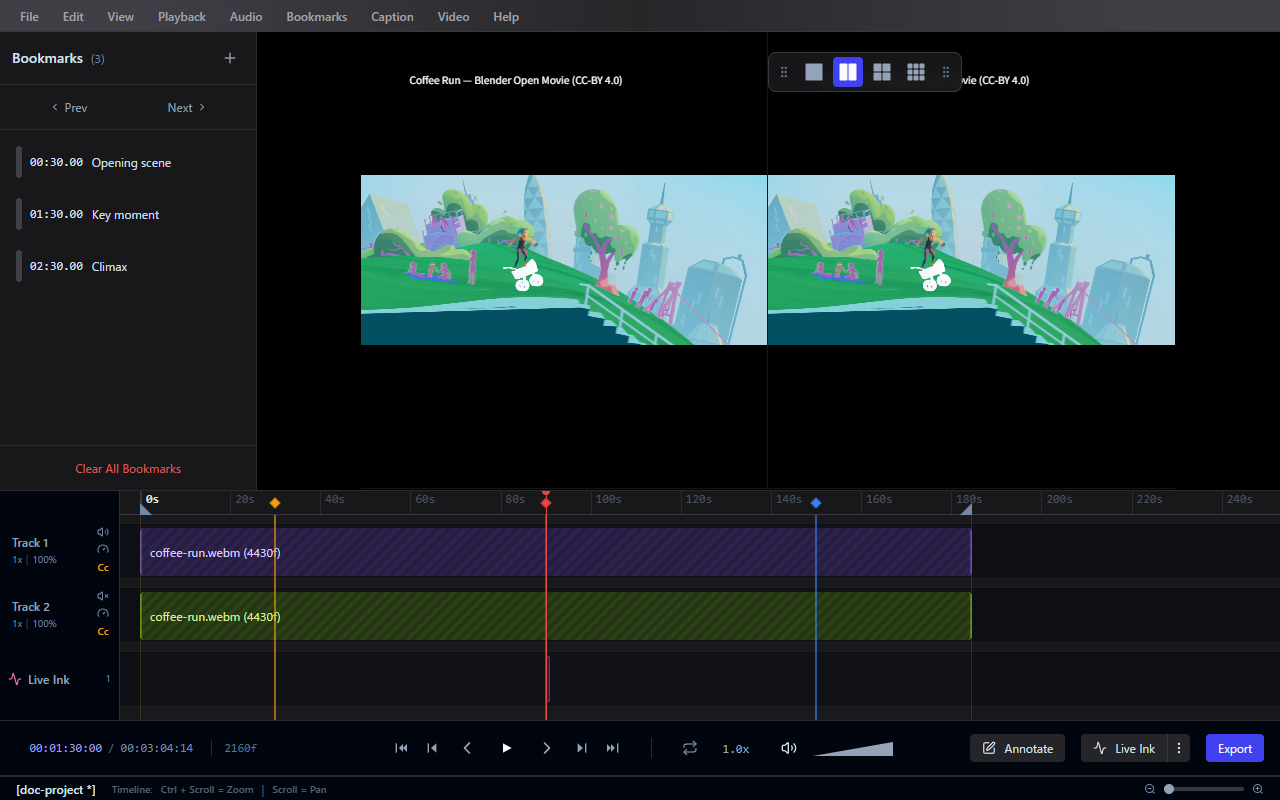
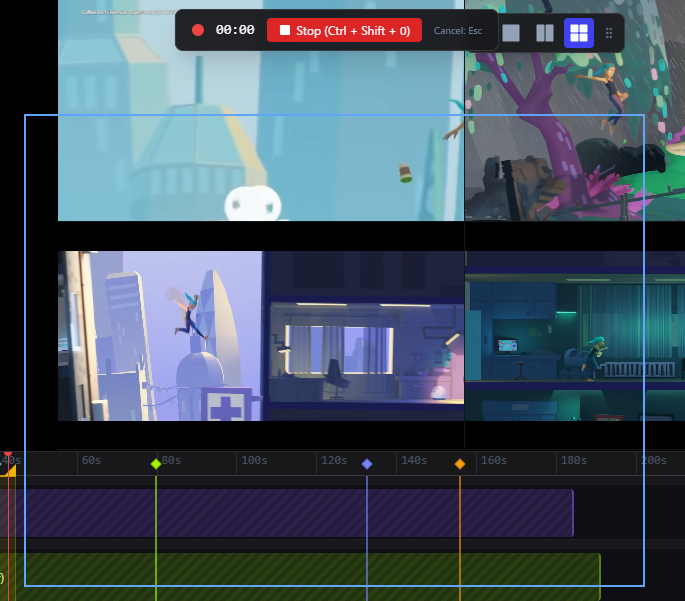
Review iterations side-by-side. Watch up to 4 videos simultaneously in fully configurable layouts (1x1, 2x1, 1x2, 2x2) — ideal for comparing takes or checking animation progress.
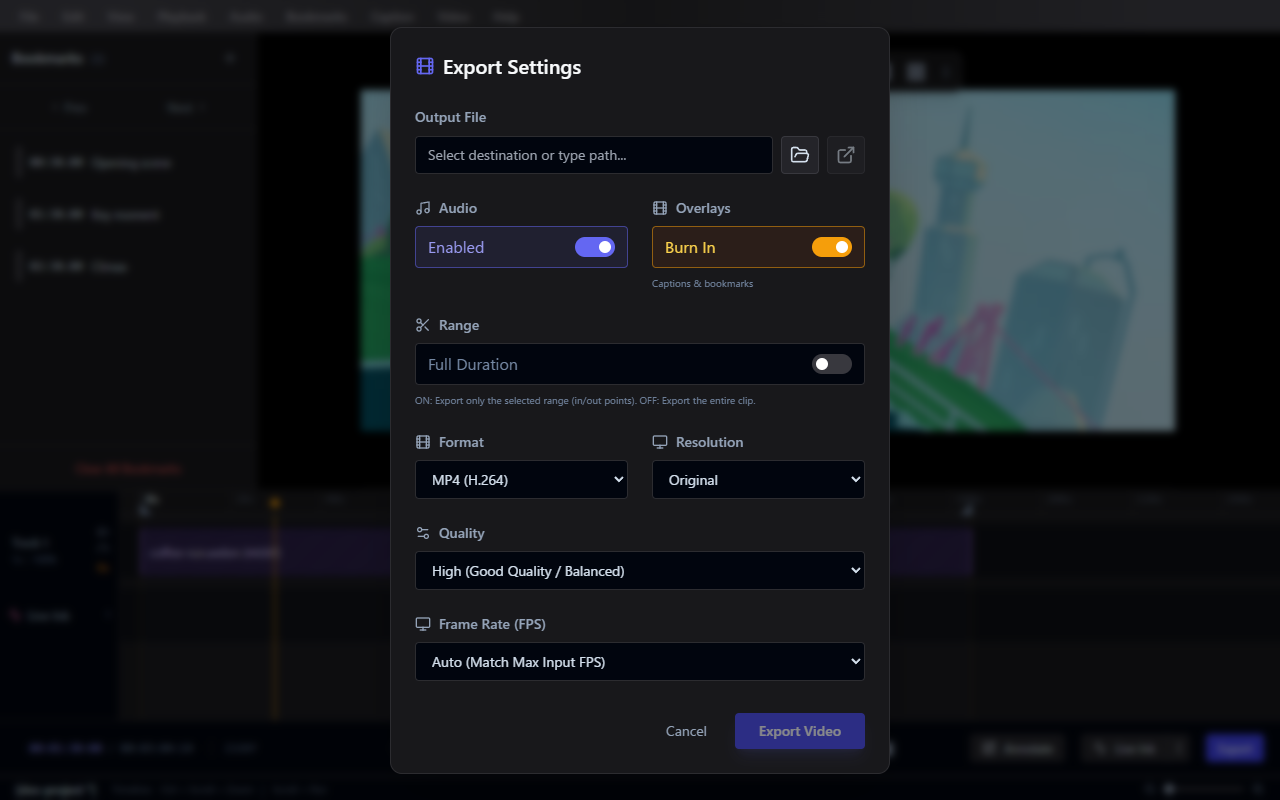
Share your feedback anywhere. Render and burn your annotations directly into MP4, WebM, GIF, APNG, or image sequences using integrated FFmpeg processing.
Never break your flow. Use the built-in screen recorder to capture your workflow and bring it directly into Frameglyph for immediate review and annotation.
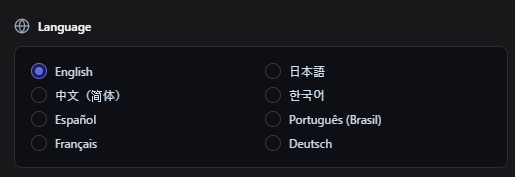
Work in the language you prefer. Frameglyph is fully localized and available in English, Japanese, Chinese, Korean, Spanish, Portuguese, French, and German.