
Keyboard Shortcuts
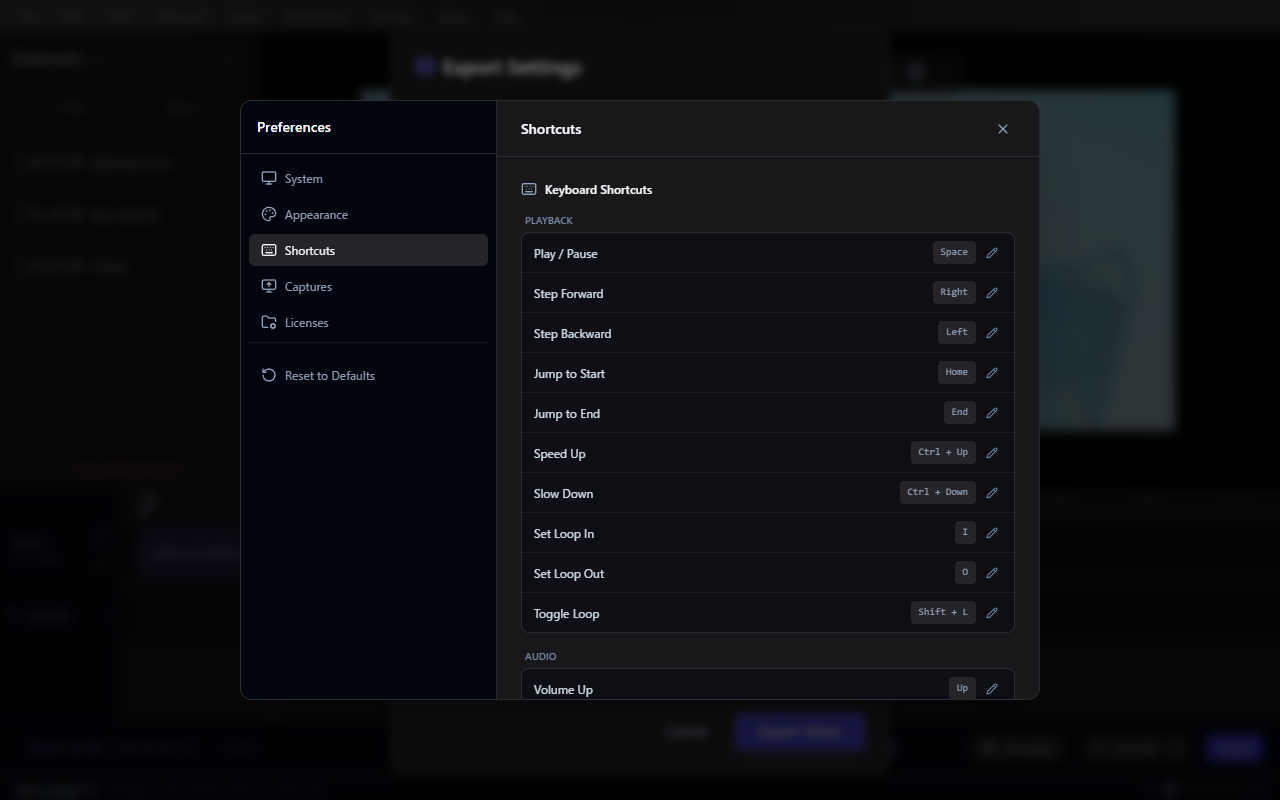
All shortcuts can be customized in Preferences > Shortcuts.
Playback
| Action | Default Shortcut |
|---|---|
| Play / Pause | Space |
| Step Forward | Right |
| Step Backward | Left |
| Jump to Start | Home |
| Jump to End | End |
| Speed Up | Ctrl + Up |
| Slow Down | Ctrl + Down |
| Set Loop In | I |
| Set Loop Out | O |
| Toggle Loop | Shift + L |
| Range Start at Playhead | [ |
| Range End at Playhead | ] |
Audio
| Action | Default Shortcut |
|---|---|
| Volume Up | Up |
| Volume Down | Down |
| Toggle Mute | M |
Bookmarks
| Action | Default Shortcut |
|---|---|
| Add Bookmark | B |
| Previous Bookmark | Shift + B |
| Next Bookmark | Alt + B |
Edit
| Action | Default Shortcut |
|---|---|
| Select All | Ctrl + A |
| Deselect All | Esc |
| Delete Selected | Del |
File
| Action | Default Shortcut |
|---|---|
| Import Video | Ctrl + I |
| Save Project | Ctrl + S |
| Save Project As | Ctrl + Shift + S |
Capture
| Action | Default Shortcut |
|---|---|
| Start / Stop Capture | Ctrl + Shift + 0 |
Timeline
| Action | Default Shortcut |
|---|---|
| Fit Timeline to View | F |